Rugby 2v1 Explainer – Motion Design Meets Coaching
Project Type: Passion Project
Direction: Simon Tibbs
My Role: Concept, design and animation
UV Unwrapping in Cinema 4D
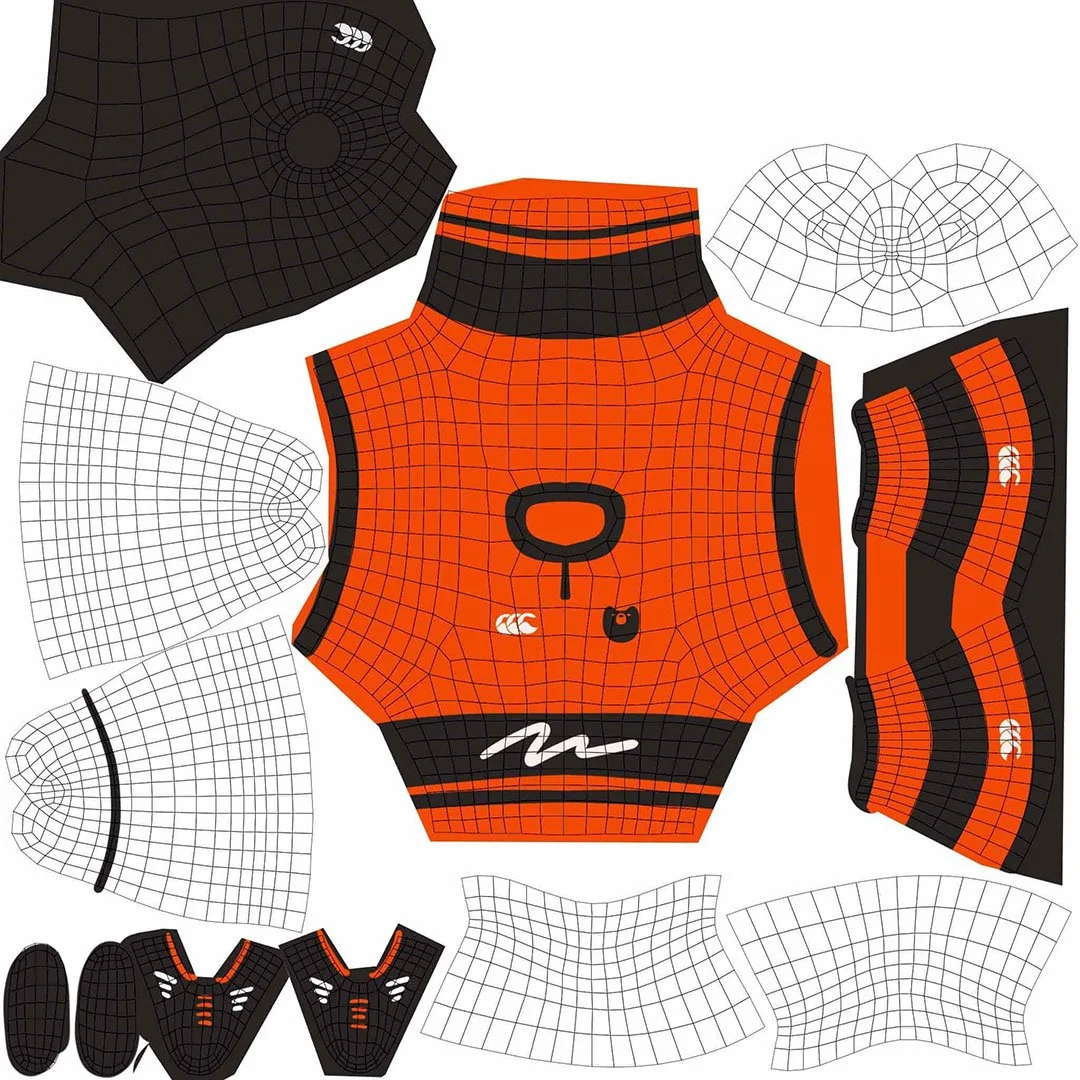
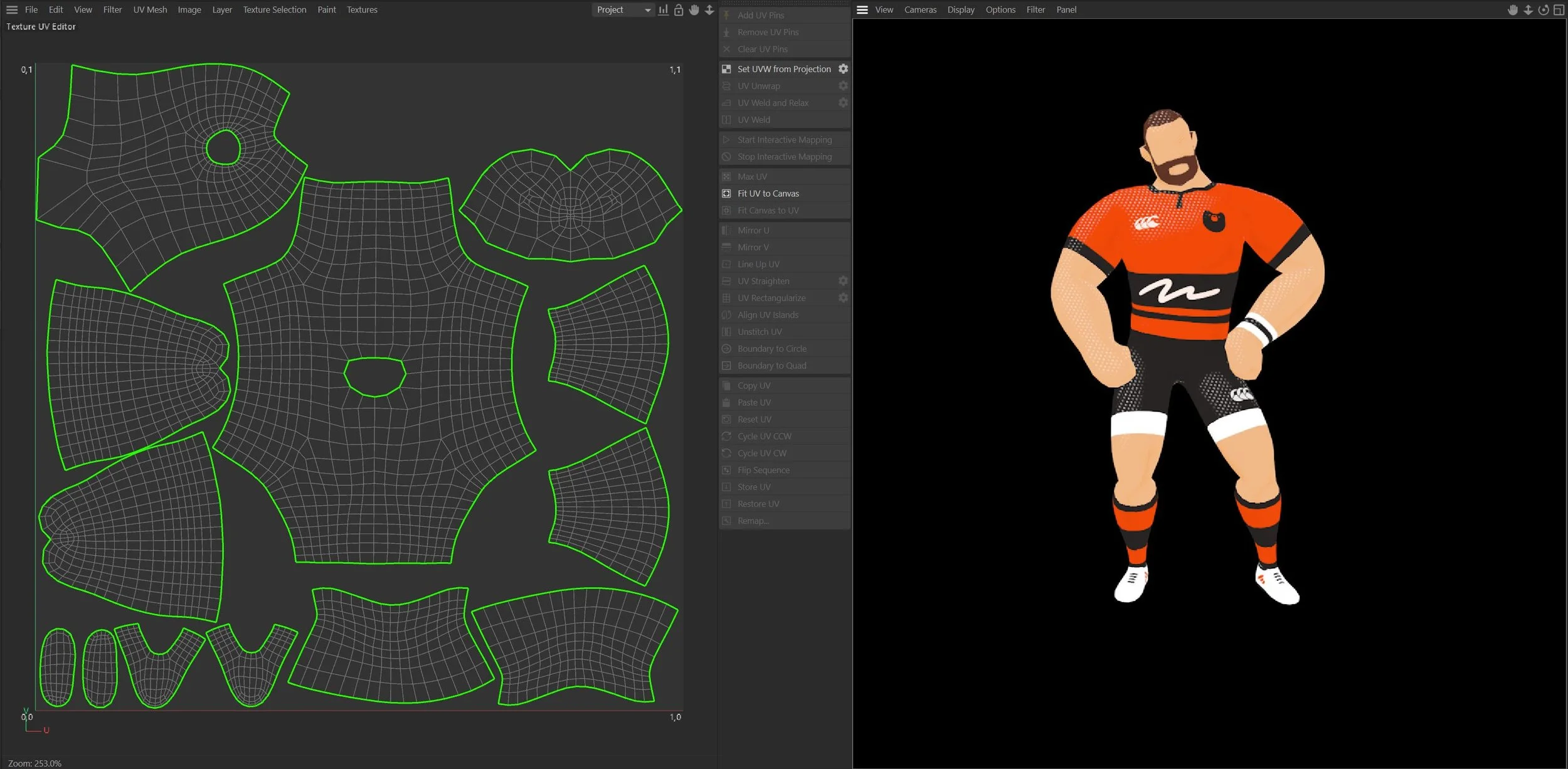
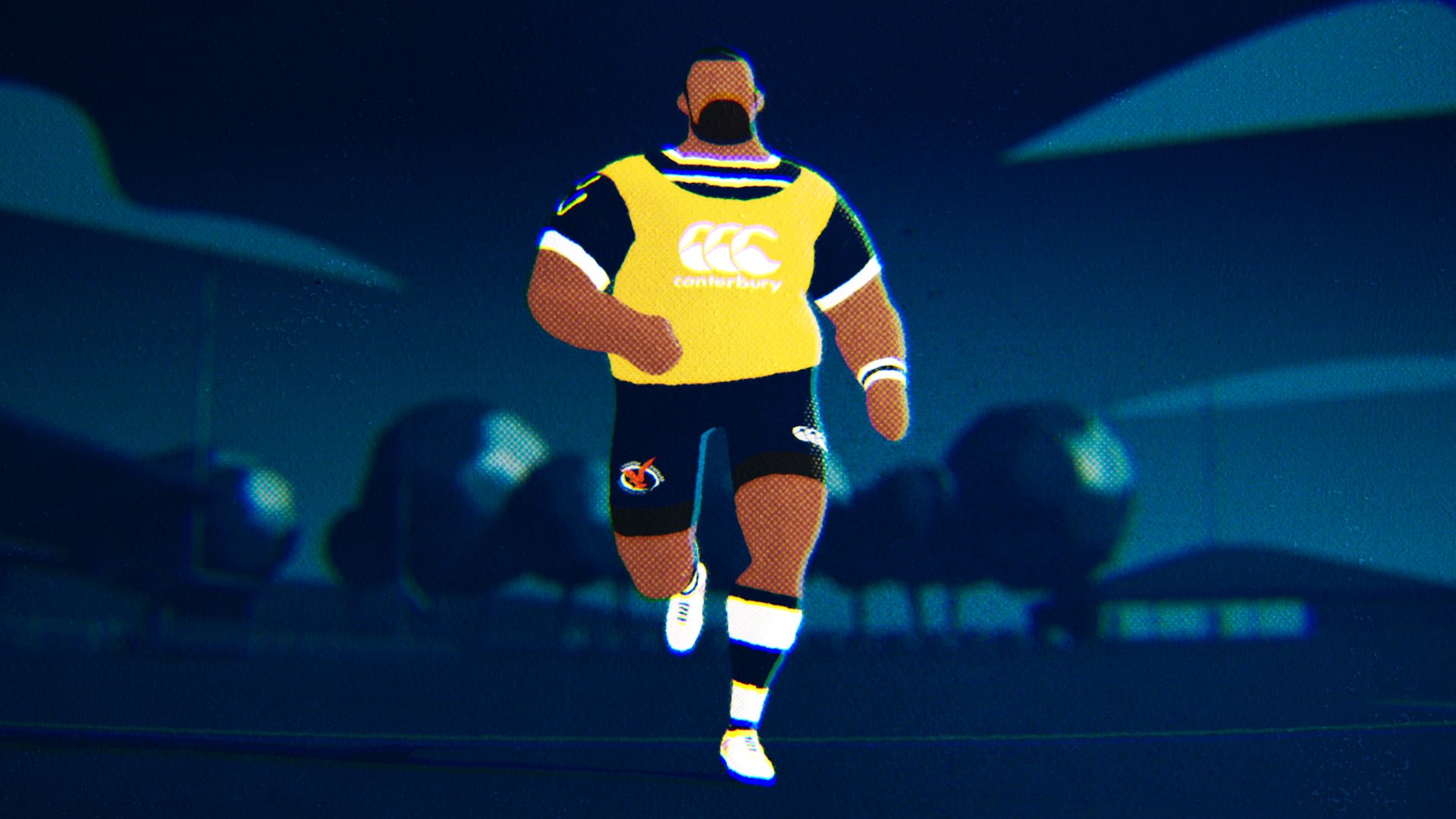
To bring the 3D characters to life, I needed to create detailed, textured surfaces that matched the stylised design. This required UV unwrapping, which is a crucial step in texturing 3D models accurately.
UV unwrapping is the process of flattening a 3D model into a 2D map, allowing textures and artwork to be applied precisely. Think of it like unfolding a cardboard box into a single sheet before decorating it.
Here’s how you do it in Cinema 4d.
✅ Step 1: Unwrapped the character model’s mesh (above) to create a seamless texture layout.
✅ Step 2: Used UV mapping tools in Cinema 4D to prevent stretching and distortion.
✅ Step 3: Applied textures in Photoshop directly onto the unwrapped 2D map to ensure clean and crisp surface details.
✅ Step 4: Rewrapped the UV map back onto the 3D model, making sure colours and patterns aligned correctly.